
OpenAI Dots Run Read-Only Research When Nobody Is Asking
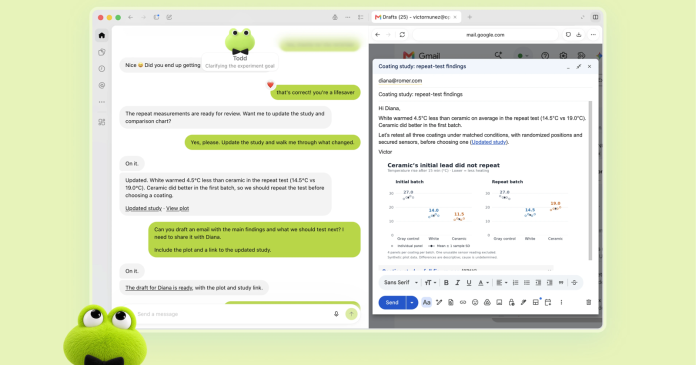
- OpenAI launched Dots, always-on ChatGPT agents, for Pro and Business Premium in eligible markets.
- A dot can review connected apps between prompts, but only with read-only research tools.
- Retained context and scheduled checks let one agent hold a monitoring job across sessions.
OpenAI’s Dots can review connected apps and run scheduled checks between conversations. Here’s what the help pages permit, and where the read-only limit sits.
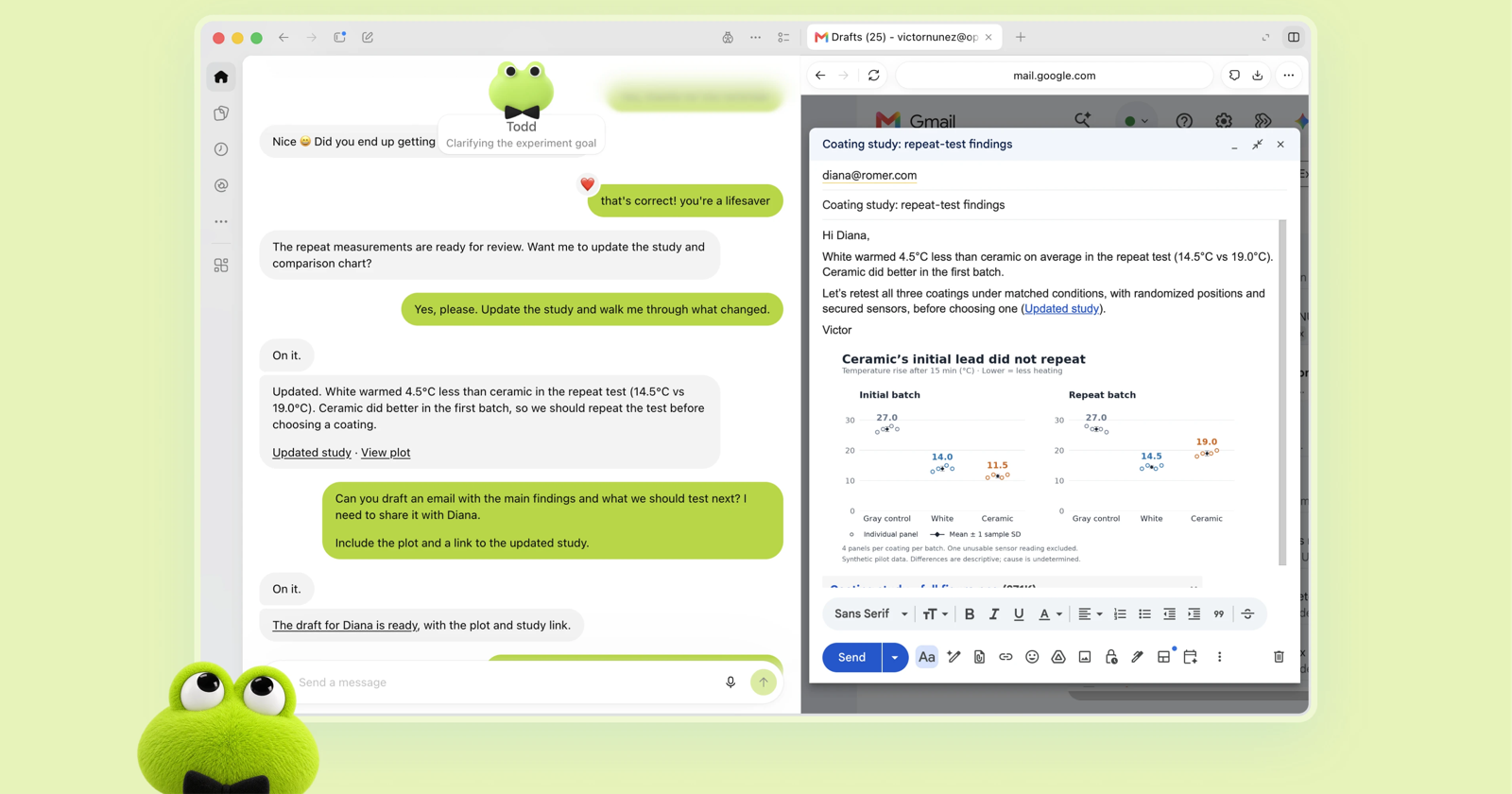
OpenAI’s Dots agents drew attention at DevDay for their “always on” behavior. The help pages that explain them received less notice, yet they define what a dot can and cannot do when no one is actively talking to it — including how it checks the same sources for updates.
According to OpenAI, a dot can check its connected sources for new information before a user asks, a capability the company calls proactive research. It can also run checks on a recurring schedule. The two behaviors follow separate rules.
Dots are rolling out to Pro users in various markets, excluding the European Economic Area, Switzerland, and the UK. They are also available to Business Premium users across all supported ChatGPT regions. Enterprise, Edu, and Healthcare workspaces can additionally try a beta version, which is off by default. Access may take several days to appear on your account.
What Proactive Research Allows Before A New Prompt
The launch post describes proactive research as what a dot does when the user isn’t actively working with it. The help center’s privacy and safety page spells out the limits:
“Your dot can also look for useful updates before you make a request. This is called proactive research. It can read information from permitted connected sources and save private notes, but its research tools cannot directly: Send messages to other people. Change content through plugins. Control a browser or computer.”
Every action the dot takes with what it finds follows the usual safety checks and rules. Custom Rules — per-user settings governing what a dot can do independently — allow those actions to be adjusted to be more or less flexible. They cannot override the proactive research restrictions, and neither can the dot itself.
In short, the mode that runs without a prompt is limited to reading and taking notes.
How Recurring Checks Move Onto An Agent
Scheduled work isn’t new to ChatGPT. Its help page on Scheduled tasks already explains how ChatGPT handles one-time or recurring tasks, watches for changes, and responds to supported events from Gmail, Slack, or GitHub.
A dot can perform those checks across apps a user has connected and retain context between conversations. The example on the getting-started page shows a dot reviewing a calendar every morning and reporting upcoming events. Scheduled runs and proactive updates both happen within the same conversation.
What A Dot Retains Between Conversations
A dot makes use of the plugin connections a user has already set up. Per the privacy and safety page, plugin permissions are shared across dots, ChatGPT, ChatGPT Work, and Codex. The launch post also notes that the plugin catalog now offers more than 4,000 apps.
The dot also builds its own memory from these connections. Disconnecting an app stops new access, but it doesn’t erase what the dot has already saved. Currently, users can’t view or edit those individual memories. Resetting the dot deletes its conversations, saved memories, and scheduled tasks.
As of Sept. 30, none of the three Dots help pages mention an analytics or search platform. The examples of connected apps include a calendar, Slack, and a personal email account, and the getting-started page notes that available apps may vary.
When Dots Can Use Websites On Assigned Work
While working on an assignment, a dot can operate its own browser and cloud computer. Enterprise admins can enable or disable cloud browser use, cloud network access, and cloud computer use individually.
Dots now sit alongside the August WebMCP deployments from OpenAI, Shopify, and Cloudflare, which gave agents structured ways to operate within websites. Neither the announcement nor the three support pages link Dots to search rankings or request website modifications. Instead, Dots add another agent capable of browsing a site on a user’s behalf.
Why This Matters For Monitoring Work
A dot can be assigned monitoring responsibilities, watch specific sources it is permitted to access, and report changes. In search marketing, rankings, competitor pages, and campaign settings are checked periodically, with each check often starting from scratch.
Because proactive research is read-only, a dot can detect a change overnight. Any follow-up actions run under OpenAI’s action rules and safety checks. Whether a dot fits into a team’s monitoring setup depends on which platforms it can read through ChatGPT’s plugins.
What To Watch Next
OpenAI says users will later be able to add more dots and scale each one’s output — whether that’s speed or how much work it takes on each month. The company also notes the Enterprise release is in beta. The key development to track is which analytics and SEO tools a dot can reach through ChatGPT’s plugins, especially since proactive research only pulls from permitted connected sources.
Featured Image: OpenAI
Read Full Bio
Matt G. Southern
Senior News Writer at Search Engine Journal
Follow on YouTube. Matt G. Southern is the Senior News Writer at Search Engine Journal, where he’s covered Google, SEO, …