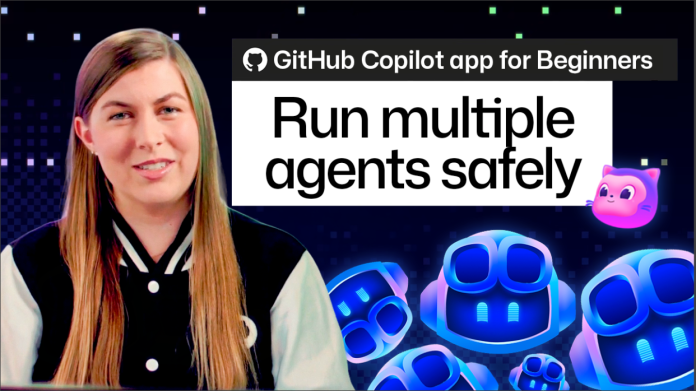
Learn how to run parallel agents in the GitHub Copilot app, and experience the moment it stops feeling scary and starts feeling powerful.
Kayla Cinnamon@cinnamon-msft
3 minutes
-
Share:
Running multiple AI agents on the same project can feel like pure chaos, with too many cooks in your development kitchen. But with the GitHub Copilot app, these agents operate independently without interfering with each other, so you can get more done in less time.
Think of parallel agent sessions like a trip to the laundromat. You can start several loads of laundry at once, each in its own machine. Each washer runs with its own settings, and one load doesn’t affect the others. Most importantly, you don’t have to wait for one cycle to finish before starting another.
Let’s look at how this works in practice.
Agent sessions, Git worktrees, and context
An agent session is a complete task you’ve assigned to Copilot, from start to finish.
In the GitHub Copilot app, you can manage several sessions through the sessions view. Each card clearly shows the session title and the agent’s progress on its assigned task.
Every session runs independently. You can start a new session whenever you need to, without disturbing the ones already in progress.
The real advantage lies in the underlying architecture. Each agent session can run on its own Git worktree, providing complete isolation. This allows sessions to execute in parallel, simultaneously, without conflicts.
Instead of watching your agents work, you can focus your time on reviewing output and making decisions.
Each session also maintains its own context. You can switch between sessions freely, and each one picks up exactly where you left off—no need to re-explain your previous instructions. This reduction in context switching helps you stay focused and feel less scattered throughout the day.
What this looks like
Consider an example repository, tailspin-toys. Suppose you have three tasks for the project: add a funded sort, perform an accessibility review, and run some tests.
Start by asking Copilot to build the funded sort feature. As it begins, open a new session and request an accessibility review. While that gets underway, launch a third session to run the test suite.
The session view lets you monitor the progress of all three tasks simultaneously and review results as they complete. You could even step away to grab a coffee, confident that the work is progressing without needing to babysit each agent.
Get started
Ready to harness the power of parallel agent sessions?
Start by launching two small tasks at the same time in the GitHub Copilot app. It’s a low-risk way to observe how tasks progress independently and see the efficiency gains for yourself.
Start using the GitHub Copilot app >
Tags:
Written by

Kayla Cinnamon
Related posts

Decoding the new AI lingo: Loops, harnesses, squads, hill climbing… oh my!
From loop engineering to harnesses, squads, and open weights, the GitHub Podcast breaks down the AI terms showing up in developer conversations.

How we make AI coding more cost efficient without sacrificing task quality
Why shorter outputs can cost more, and how GitHub Copilot reduces wasted work across the complete coding task.
GitHub Copilot app for Beginners: Automate Dependabot pull request triage
Managing library updates can be tedious at times. Learn how the GitHub Copilot app can handle this type of repetitive task.